Little Owl Treehouse Parent Handbook

Instructions and help

Type directly into the boxes, or switch to Form view. Your answers stay with you when switching views. Use the zoom controls to enlarge the page. If an answer will not fit, shorten it before submitting.

100%

Page 1 of 20

Little Owl Treehouse Parent Handbook, page 1

End of page 1 · Page 2 starts on a new sheet

Page 2 of 20

Little Owl Treehouse Parent Handbook, page 2

End of page 2 · Page 3 starts on a new sheet

Page 3 of 20

Little Owl Treehouse Parent Handbook, page 3

End of page 3 · Page 4 starts on a new sheet

Page 4 of 20

Little Owl Treehouse Parent Handbook, page 4

End of page 4 · Page 5 starts on a new sheet

Page 5 of 20

Little Owl Treehouse Parent Handbook, page 5

End of page 5 · Page 6 starts on a new sheet

Page 6 of 20
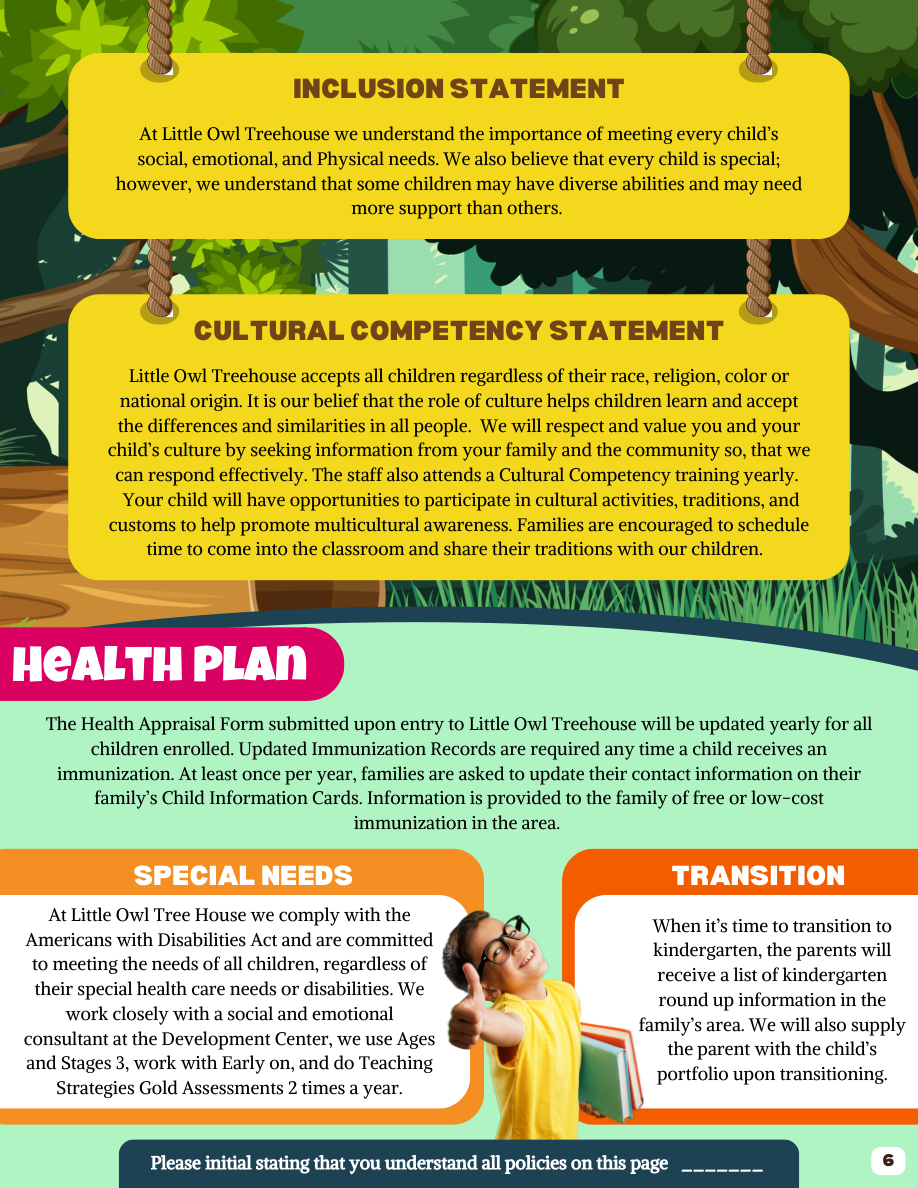
Little Owl Treehouse Parent Handbook, page 6
Enter your initials to acknowledge the policies on this page.

End of page 6 · Page 7 starts on a new sheet

Page 7 of 20

Little Owl Treehouse Parent Handbook, page 7
Enter your initials to acknowledge the policies on this page.

End of page 7 · Page 8 starts on a new sheet

Page 8 of 20

Little Owl Treehouse Parent Handbook, page 8
Enter your initials to acknowledge the policies on this page.

End of page 8 · Page 9 starts on a new sheet

Page 9 of 20
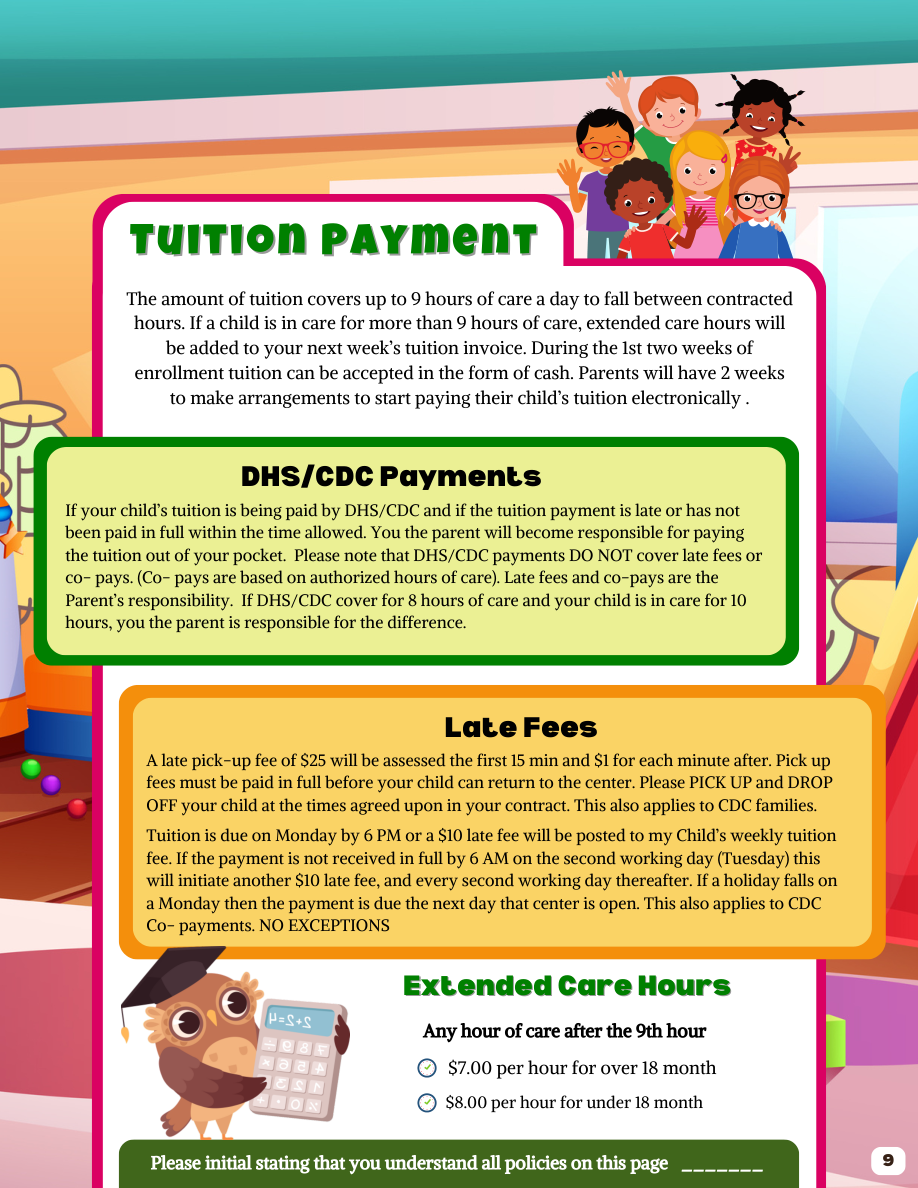
Little Owl Treehouse Parent Handbook, page 9
Enter your initials to acknowledge the policies on this page.

End of page 9 · Page 10 starts on a new sheet

Page 10 of 20
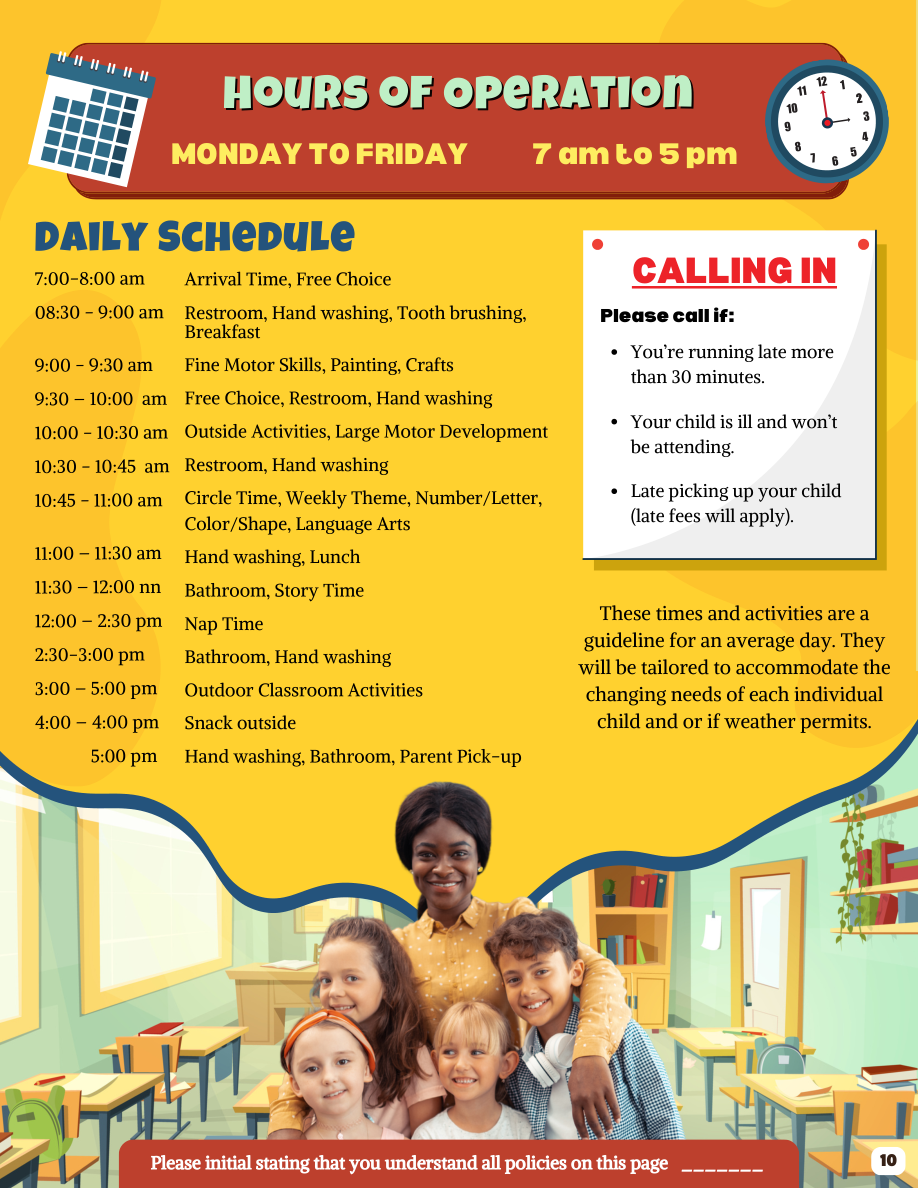
Little Owl Treehouse Parent Handbook, page 10
Enter your initials to acknowledge the policies on this page.

End of page 10 · Page 11 starts on a new sheet

Page 11 of 20
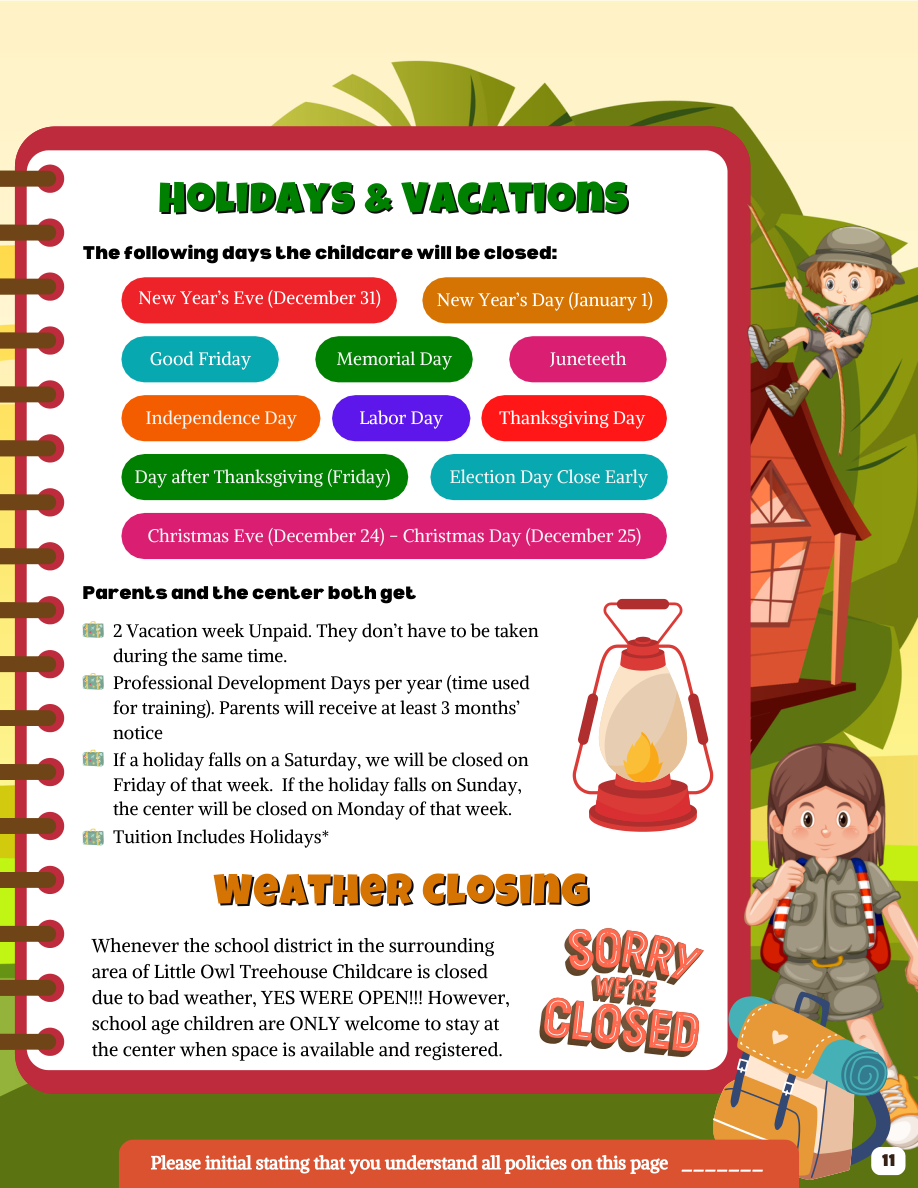
Little Owl Treehouse Parent Handbook, page 11
Enter your initials to acknowledge the policies on this page.

End of page 11 · Page 12 starts on a new sheet

Page 12 of 20
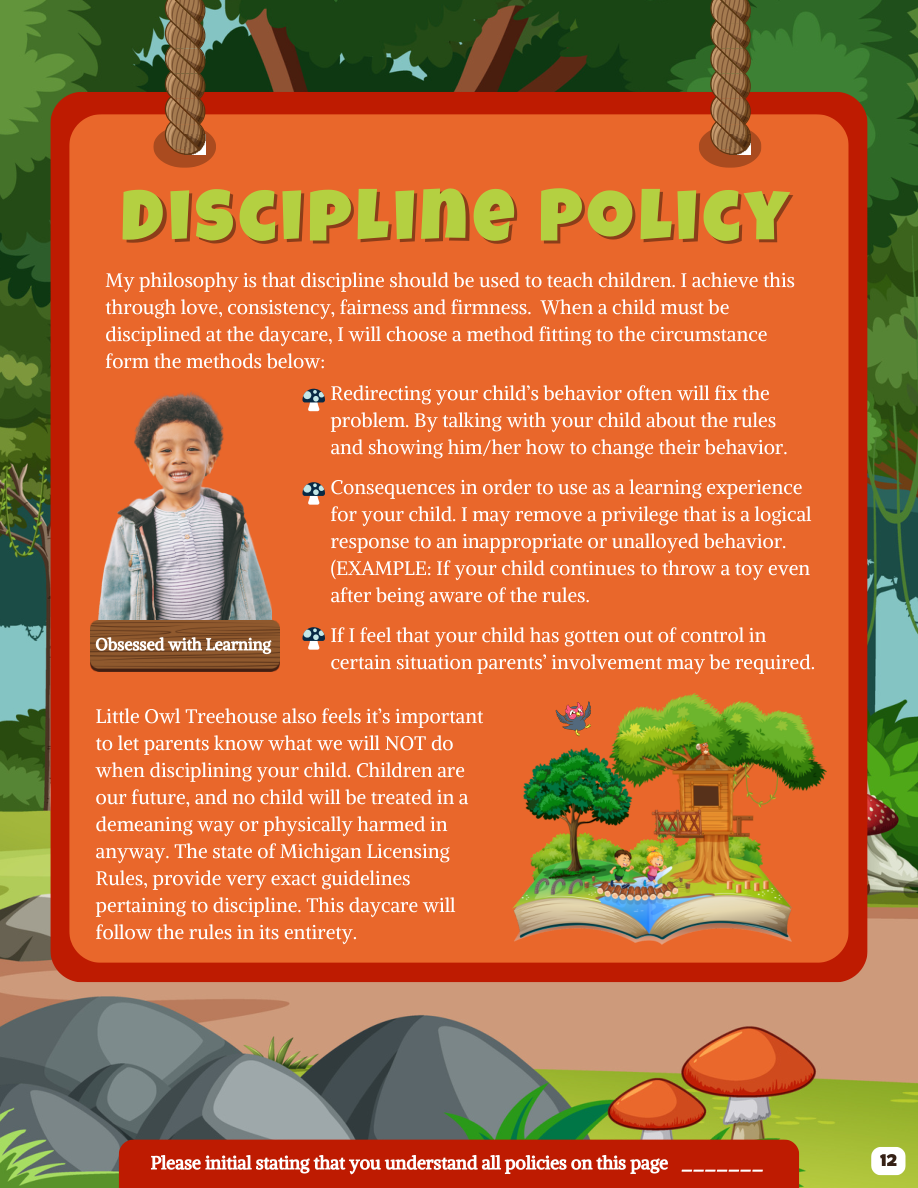
Little Owl Treehouse Parent Handbook, page 12
Enter your initials to acknowledge the policies on this page.

End of page 12 · Page 13 starts on a new sheet

Page 13 of 20
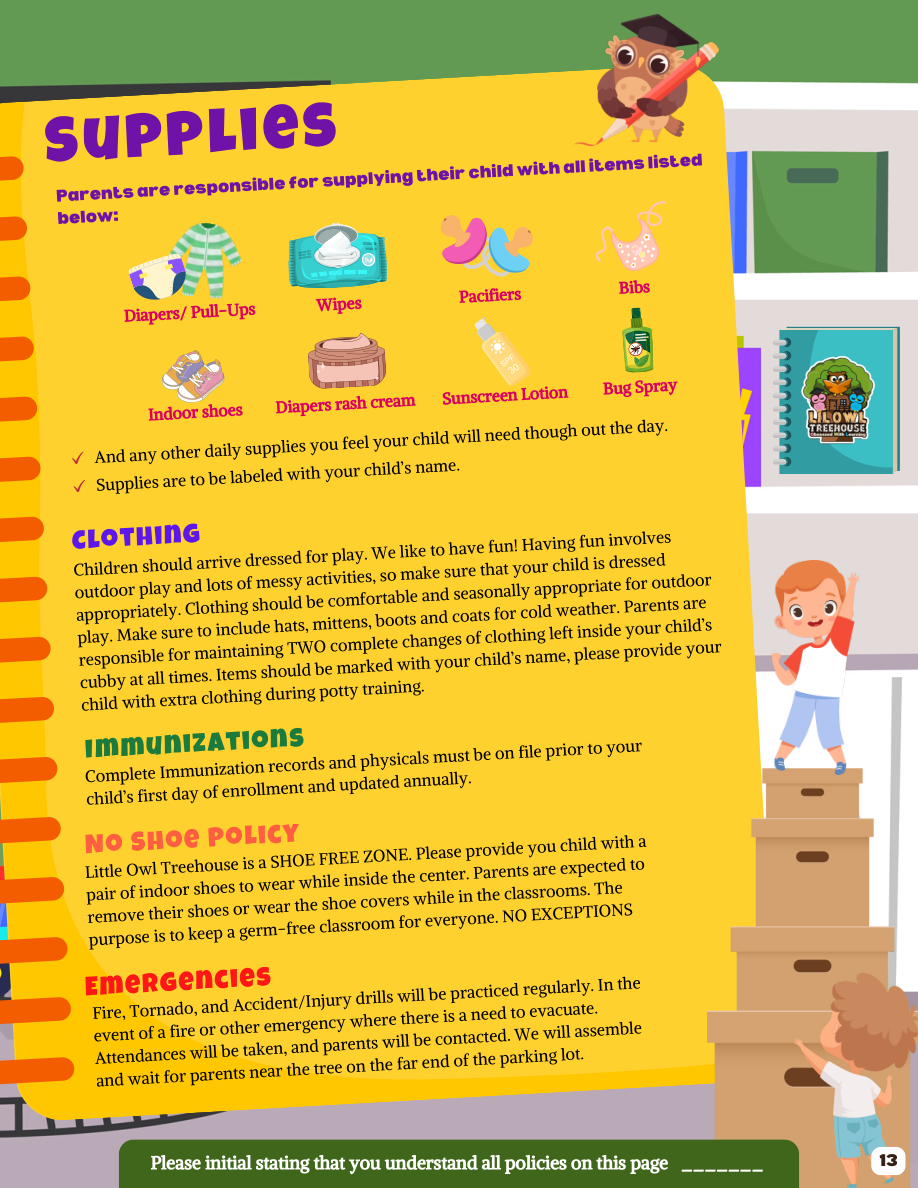
Little Owl Treehouse Parent Handbook, page 13
Enter your initials to acknowledge the policies on this page.

End of page 13 · Page 14 starts on a new sheet

Page 14 of 20
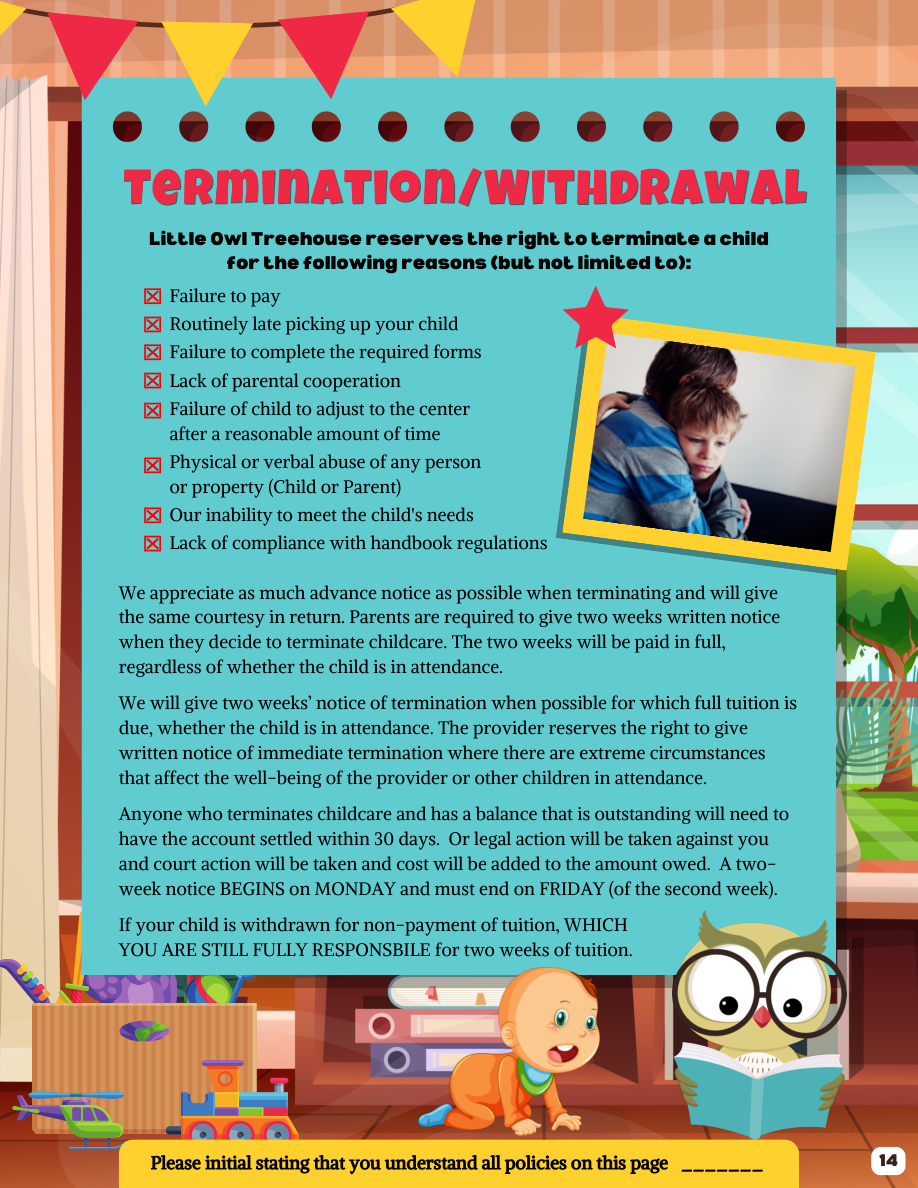
Little Owl Treehouse Parent Handbook, page 14
Enter your initials to acknowledge the policies on this page.

End of page 14 · Page 15 starts on a new sheet

Page 15 of 20

Little Owl Treehouse Parent Handbook, page 15
Emergency medical consent - parent signature *

IP addresses are recorded with submitted signatures when available.

Draw your signature

Use your mouse, finger or pen, or choose Type instead.

IP addresses are recorded with submitted signatures when available.

Only your signature appears on the PDF. You can undo a cleared drawing.

Choose a calendar date or use the date segments. Dates appear as MM/DD/YYYY on the form.
Emergency medical consent - second parent signature

IP addresses are recorded with submitted signatures when available.

Draw your signature

Use your mouse, finger or pen, or choose Type instead.

IP addresses are recorded with submitted signatures when available.

Only your signature appears on the PDF. You can undo a cleared drawing.

Choose a calendar date or use the date segments. Dates appear as MM/DD/YYYY on the form.
Illness policy - parent signature *

IP addresses are recorded with submitted signatures when available.

Draw your signature

Use your mouse, finger or pen, or choose Type instead.

IP addresses are recorded with submitted signatures when available.

Only your signature appears on the PDF. You can undo a cleared drawing.

Choose a calendar date or use the date segments. Dates appear as MM/DD/YYYY on the form.
Illness policy - second parent signature

IP addresses are recorded with submitted signatures when available.

Draw your signature

Use your mouse, finger or pen, or choose Type instead.

IP addresses are recorded with submitted signatures when available.

Only your signature appears on the PDF. You can undo a cleared drawing.

Choose a calendar date or use the date segments. Dates appear as MM/DD/YYYY on the form.

End of page 15 · Page 16 starts on a new sheet

Page 16 of 20

Little Owl Treehouse Parent Handbook, page 16
Sunscreen policy - parent signature *

IP addresses are recorded with submitted signatures when available.

Draw your signature

Use your mouse, finger or pen, or choose Type instead.

IP addresses are recorded with submitted signatures when available.

Only your signature appears on the PDF. You can undo a cleared drawing.

Choose a calendar date or use the date segments. Dates appear as MM/DD/YYYY on the form.
Sunscreen policy - second parent signature

IP addresses are recorded with submitted signatures when available.

Draw your signature

Use your mouse, finger or pen, or choose Type instead.

IP addresses are recorded with submitted signatures when available.

Only your signature appears on the PDF. You can undo a cleared drawing.

Choose a calendar date or use the date segments. Dates appear as MM/DD/YYYY on the form.
Field trip permission - parent signature *

IP addresses are recorded with submitted signatures when available.

Draw your signature

Use your mouse, finger or pen, or choose Type instead.

IP addresses are recorded with submitted signatures when available.

Only your signature appears on the PDF. You can undo a cleared drawing.

Choose a calendar date or use the date segments. Dates appear as MM/DD/YYYY on the form.
Field trip permission - second parent signature

IP addresses are recorded with submitted signatures when available.

Draw your signature

Use your mouse, finger or pen, or choose Type instead.

IP addresses are recorded with submitted signatures when available.

Only your signature appears on the PDF. You can undo a cleared drawing.

Choose a calendar date or use the date segments. Dates appear as MM/DD/YYYY on the form.
Photo and video release - parent signature *

IP addresses are recorded with submitted signatures when available.

Draw your signature

Use your mouse, finger or pen, or choose Type instead.

IP addresses are recorded with submitted signatures when available.

Only your signature appears on the PDF. You can undo a cleared drawing.

Choose a calendar date or use the date segments. Dates appear as MM/DD/YYYY on the form.
Photo and video release - second parent signature

IP addresses are recorded with submitted signatures when available.

Draw your signature

Use your mouse, finger or pen, or choose Type instead.

IP addresses are recorded with submitted signatures when available.

Only your signature appears on the PDF. You can undo a cleared drawing.

Choose a calendar date or use the date segments. Dates appear as MM/DD/YYYY on the form.

End of page 16 · Page 17 starts on a new sheet

Page 17 of 20

Little Owl Treehouse Parent Handbook, page 17
Packet acknowledgment - parent signature *

IP addresses are recorded with submitted signatures when available.

Draw your signature

Use your mouse, finger or pen, or choose Type instead.

IP addresses are recorded with submitted signatures when available.

Only your signature appears on the PDF. You can undo a cleared drawing.

Choose a calendar date or use the date segments. Dates appear as MM/DD/YYYY on the form.

End of page 17 · Page 18 starts on a new sheet

Page 18 of 20
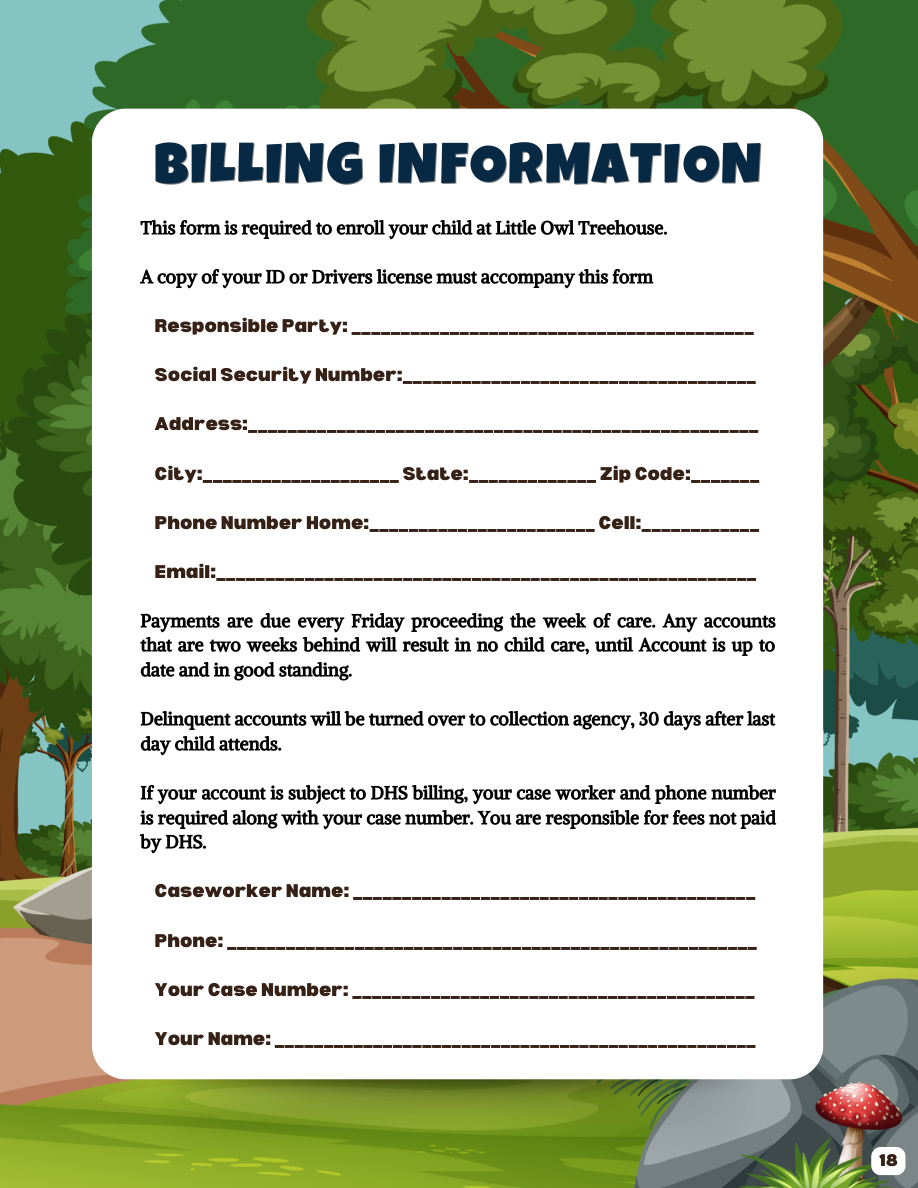
Little Owl Treehouse Parent Handbook, page 18
Optional online. Contact Little Owl Treehouse if you prefer to provide this separately.

End of page 18 · Page 19 starts on a new sheet

Page 19 of 20
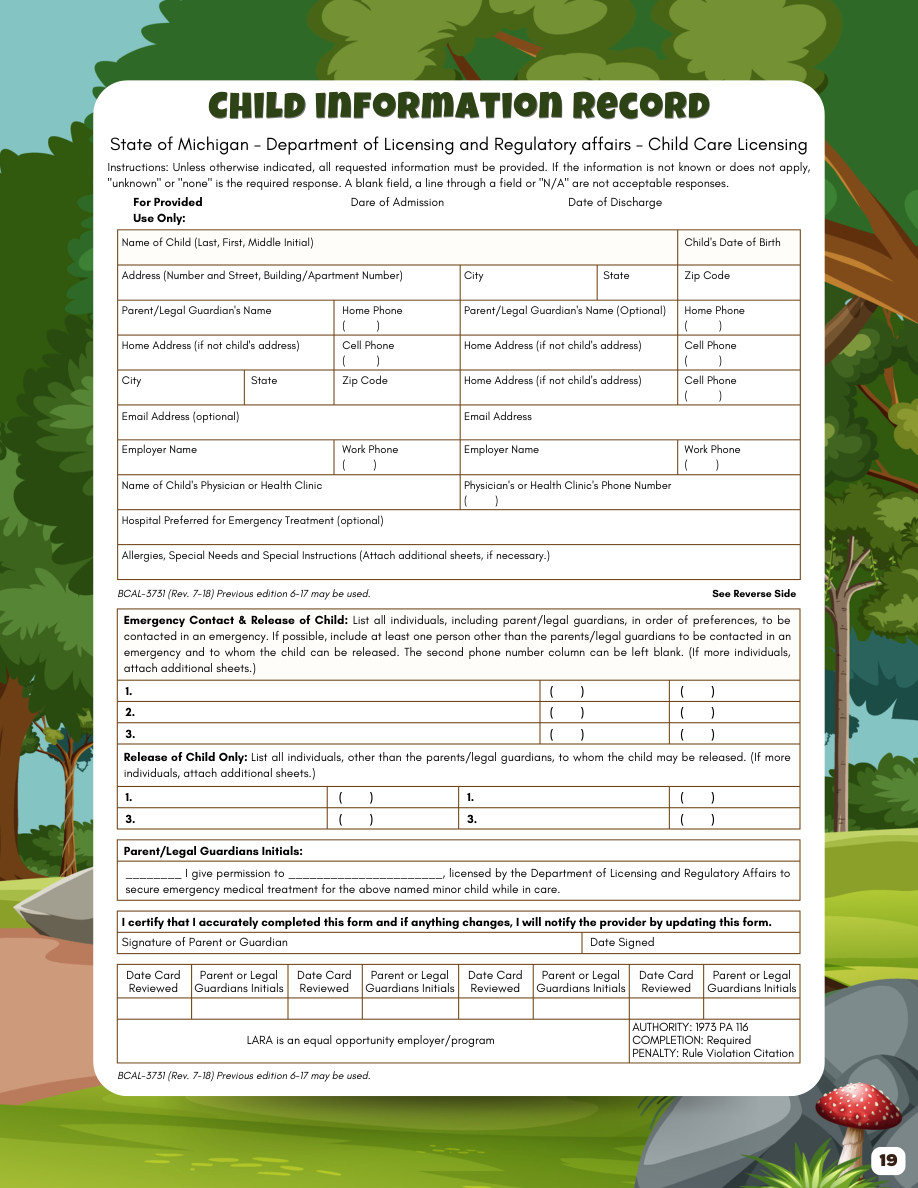
Little Owl Treehouse Parent Handbook, page 19
Choose a calendar date or use the date segments. Dates appear as MM/DD/YYYY on the form.
Enter none if there are no allergies or special instructions. Longer answers continue on an additional PDF page. Extra text can continue on an additional PDF page.
Name of the licensed provider: Little Owl Treehouse.
Child record - parent signature *

IP addresses are recorded with submitted signatures when available.

Draw your signature

Use your mouse, finger or pen, or choose Type instead.

IP addresses are recorded with submitted signatures when available.

Only your signature appears on the PDF. You can undo a cleared drawing.

Choose a calendar date or use the date segments. Dates appear as MM/DD/YYYY on the form.

End of page 19 · Page 20 starts on a new sheet

Page 20 of 20
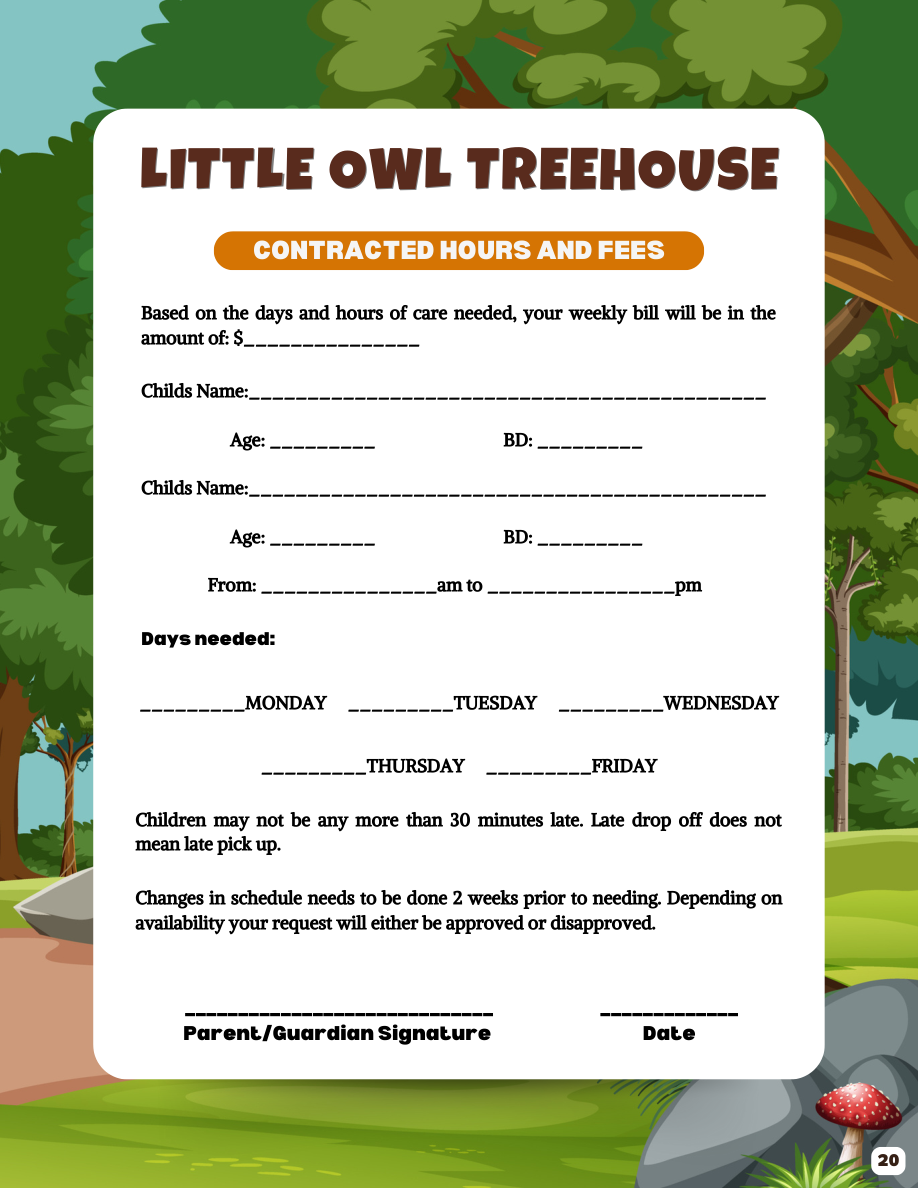
Little Owl Treehouse Parent Handbook, page 20
Enter the weekly rate agreed with Little Owl Treehouse.
Choose a calendar date or use the date segments. Dates appear as MM/DD/YYYY on the form.
Contract - parent signature *

IP addresses are recorded with submitted signatures when available.

Draw your signature

Use your mouse, finger or pen, or choose Type instead.

IP addresses are recorded with submitted signatures when available.

Only your signature appears on the PDF. You can undo a cleared drawing.

Choose a calendar date or use the date segments. Dates appear as MM/DD/YYYY on the form.

End of page 20 · End of document

Signed submissions include a unique receipt and timestamp. Your IP address is recorded when available and can be viewed by the form owner, authorized workspace members and administrators.

Save options
Save your progress online for up to 30 days, or until this request expires. Keep your private link: anyone with it can resume your answers. Saving does not submit the form.

Submit your response

Please confirm who is submitting this form. Your answers will be sent when you select Confirm and submit.

Submitter details